 Jevoid
A cleaner web, with a little help from Jev.
Jevoid hides ads and pop-ups, can show just the article, and blocks the types of pages you choose. Free for Chrome.
Add to ChromeUnofficial project. Not affiliated with TypeSafe AI.
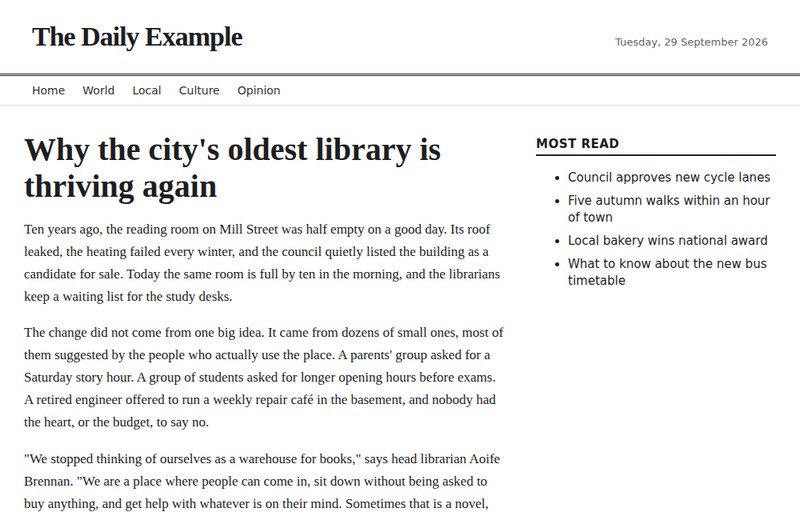
Before and after
The same page, with and without Jevoid.
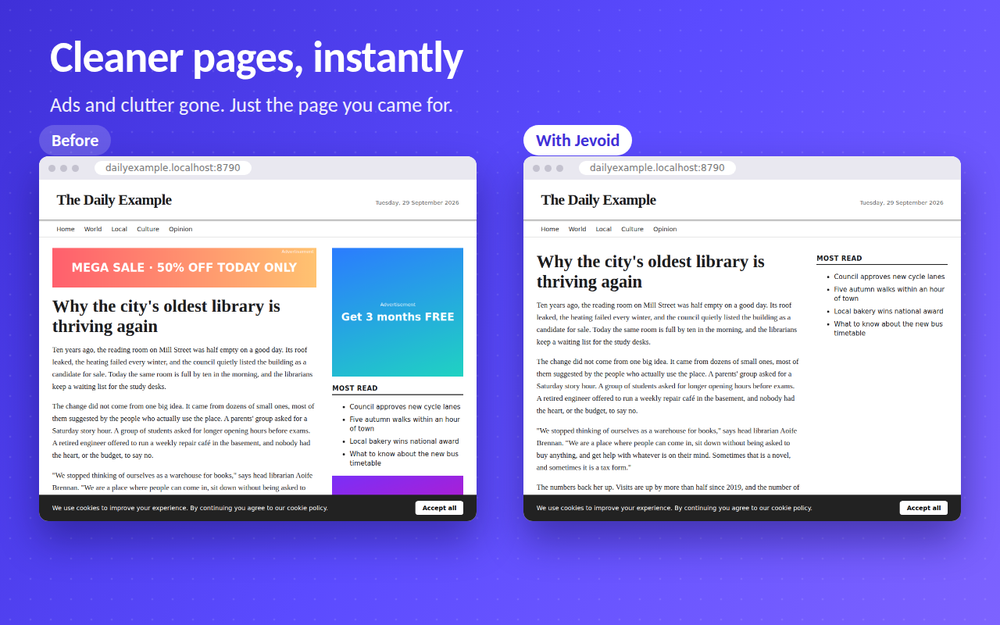
What Jevoid does
Built-in rules handle the obvious cases. When something is unclear, Jevoid asks Jev, TypeSafe AI's model, so it can tell an ad from real content.
Hides ads
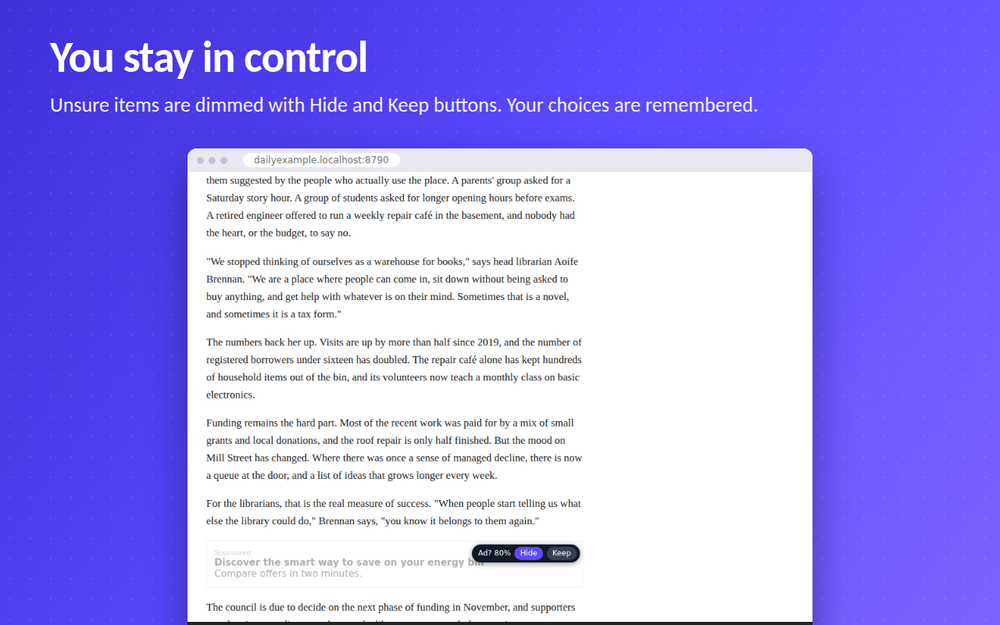
Known ad networks are blocked and ad slots hidden. Uncertain items are dimmed with Hide and Keep buttons, and your choice is remembered.
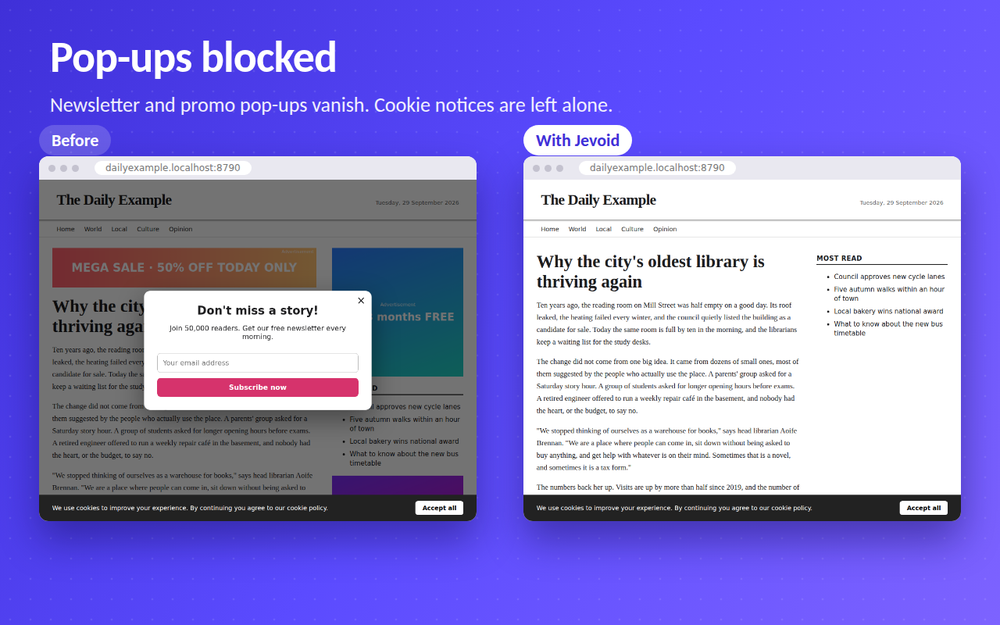
Blocks pop-ups
Newsletter and promo pop-ups disappear. Cookie and consent notices are never touched.
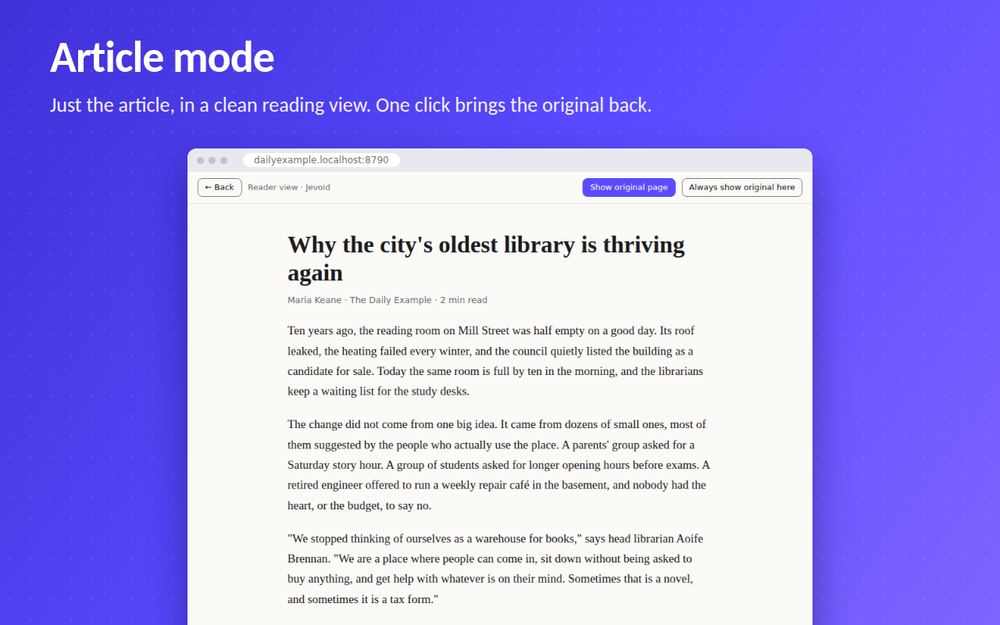
Article mode
Optionally shows only the article in a clean reading view. One click brings the original page back.
Blocks page types
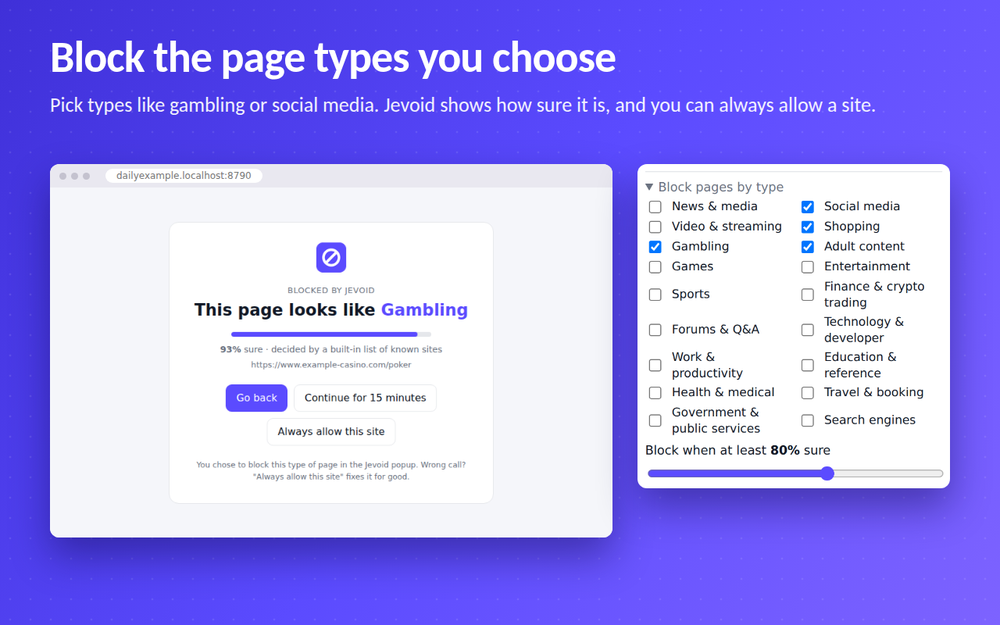
Pick types like gambling or social media. A block page shows the type and how sure Jevoid is, and you can allow a site.
Optional PIN
Lock the blocking settings with a 4-digit PIN, with a recovery code or a waiting reset if you forget it.
Off means off
Switch it off and you get the site exactly as it was sent.
See it in action
How it works
- Install and pin itAdd Jevoid to Chrome, then pin it from the puzzle-piece menu for one-click access. Ads and pop-ups are handled right away.
- Add your free Jev key (optional)Get a free key from TypeSafe and paste it into Jevoid. It stays in your browser. The key lets Jev judge the borderline cases and unlocks page-type blocking.
- Choose what you wantTurn on pop-up blocking and article mode, and pick any page types to block.
Your data stays yours
There are no Jevoid servers and no analytics. Jevoid decides most things on your device. Only when a decision is uncertain, and only if you added a key, a short description goes to the Jev API: never full pages, passwords, form contents or your browsing history. Read the privacy policy.
Questions
Is Jevoid free?
Yes. If it is useful, you can buy me a coffee. That never unlocks or removes anything.
Do I need a Jev key?
Not to start. Known ads and obvious pop-ups are handled by built-in rules. A free key from TypeSafe lets Jev judge the uncertain cases and enables page-type blocking.
Is it affiliated with TypeSafe AI?
No. Jevoid is an independent, unofficial project that uses TypeSafe AI's Jev model through your own key.
Will it break a site?
If a page looks wrong, use Pause here in the popup, or press Keep on a dimmed item. Jevoid remembers your choice. Turning it off restores the page exactly as the site sent it.
What happens if the Jev service is down?
Jevoid leaves the page as it is. It never blocks something because it could not decide.
Get a cleaner web
Coming soon to the Chrome Web Store.
Questions? Get in touch